
Email is not optional. It carries the link to the inbox, so every update that nudges at all nudges by email, and SMS and WhatsApp are additions to it rather than replacements.
That is about your choices, not a promise of delivery: there are eight reasons BeaconBox will decide not to email a particular update, and they are listed further down this page.
It is also the channel your subscription pays for. There are no credits involved.
Deliverability
Getting accepted by a mailbox provider is partly authentication and partly behaviour. BeaconBox handles both, and the Settings screen shows you where each one stands.
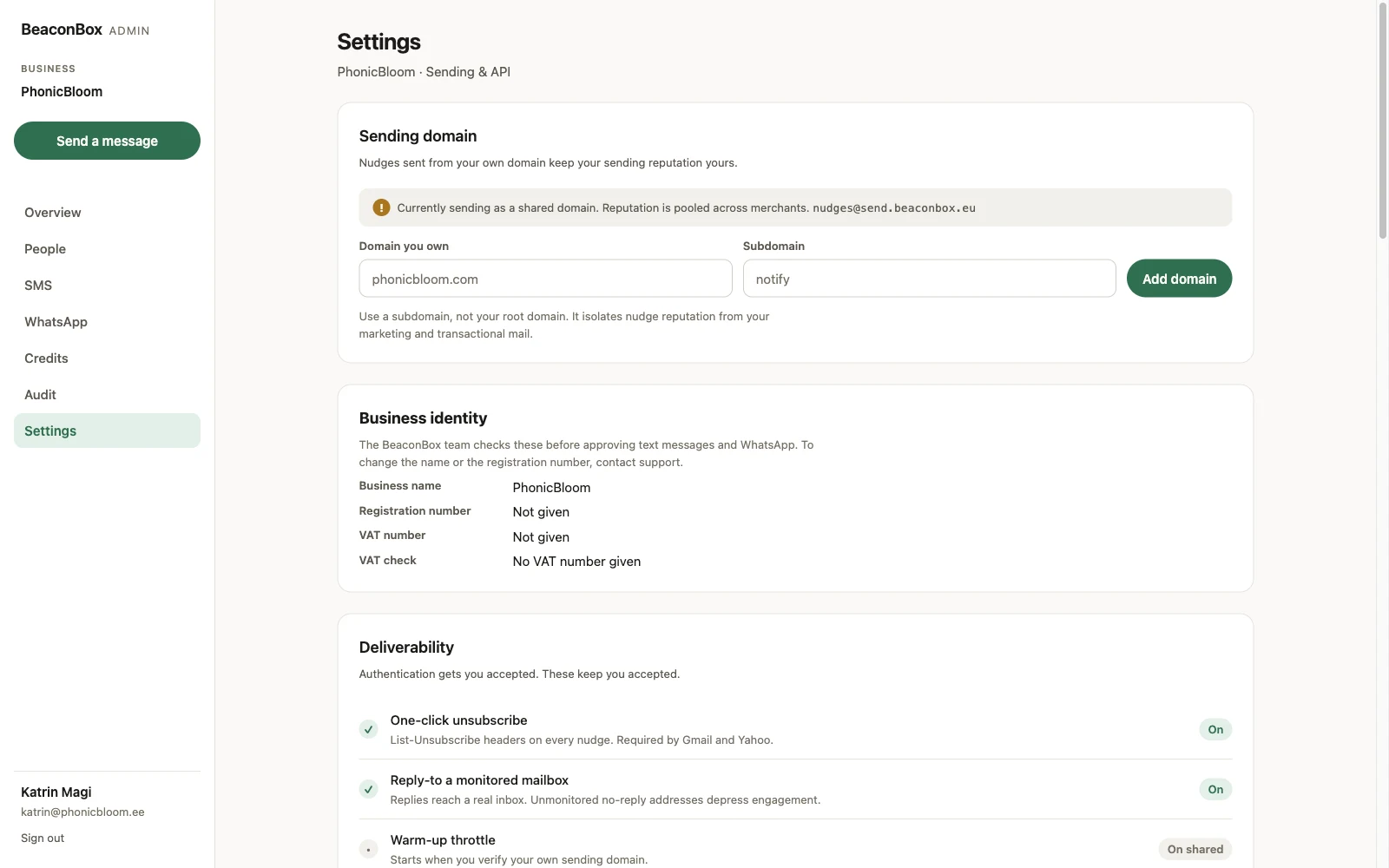
One-click unsubscribe puts the headers Gmail and Yahoo require on every nudge. A customer who has had enough then has an exit that is not the spam button, which is the signal that actually costs you.
Reply-to a monitored mailbox means a customer who hits reply reaches a real inbox. Unmonitored no-reply addresses depress engagement, and engagement is what mailbox providers score you on.
Warm-up throttle applies once you verify a sending domain of your own. Volume rises over the first days rather than starting at full rate, because a brand new domain sending at full volume is indistinguishable from a compromised one.
Complaint monitoring tracks your complaint rate and pauses sending automatically above 0.30%. That threshold is not ours; it is where providers start treating a sender as a problem. A pause is reversible and you will hear about it.
Suppression permanently stops sending to an address that hard bounced or complained. This is per merchant, so a suppression on your account is yours alone.
When an email is not sent
Sometimes BeaconBox decides not to email at all. The update is still in the customer’s inbox, and the reason is recorded against the message rather than hidden in a log.
| Reason | What it means |
|---|---|
| Plan lapsed | Your subscription ran out. Paying resumes sending. |
| Daily cap reached | The account hit its send limit for the day. |
| Suppressed | This address hard bounced or complained on your account. |
| Platform suppressed | Another business already proved this address undeliverable. It applies only while you are on the shared sending domain. |
| Unsubscribed | This customer stopped your emails. |
| Sending paused | Sending is paused, by you or by complaint monitoring. |
| Message withdrawn | You took the update back before the nudge went. |
| Message superseded | A later update replaced this one before the nudge went. |
Your allowance
Your plan includes a number of emails per period. The Overview shows how much of it you have used as the period goes along, and you are emailed when you pass it. See Your plan.